
Where to configure
In Shopify Admin, open the FEMA app and click FEMA Credentials in the sidebar.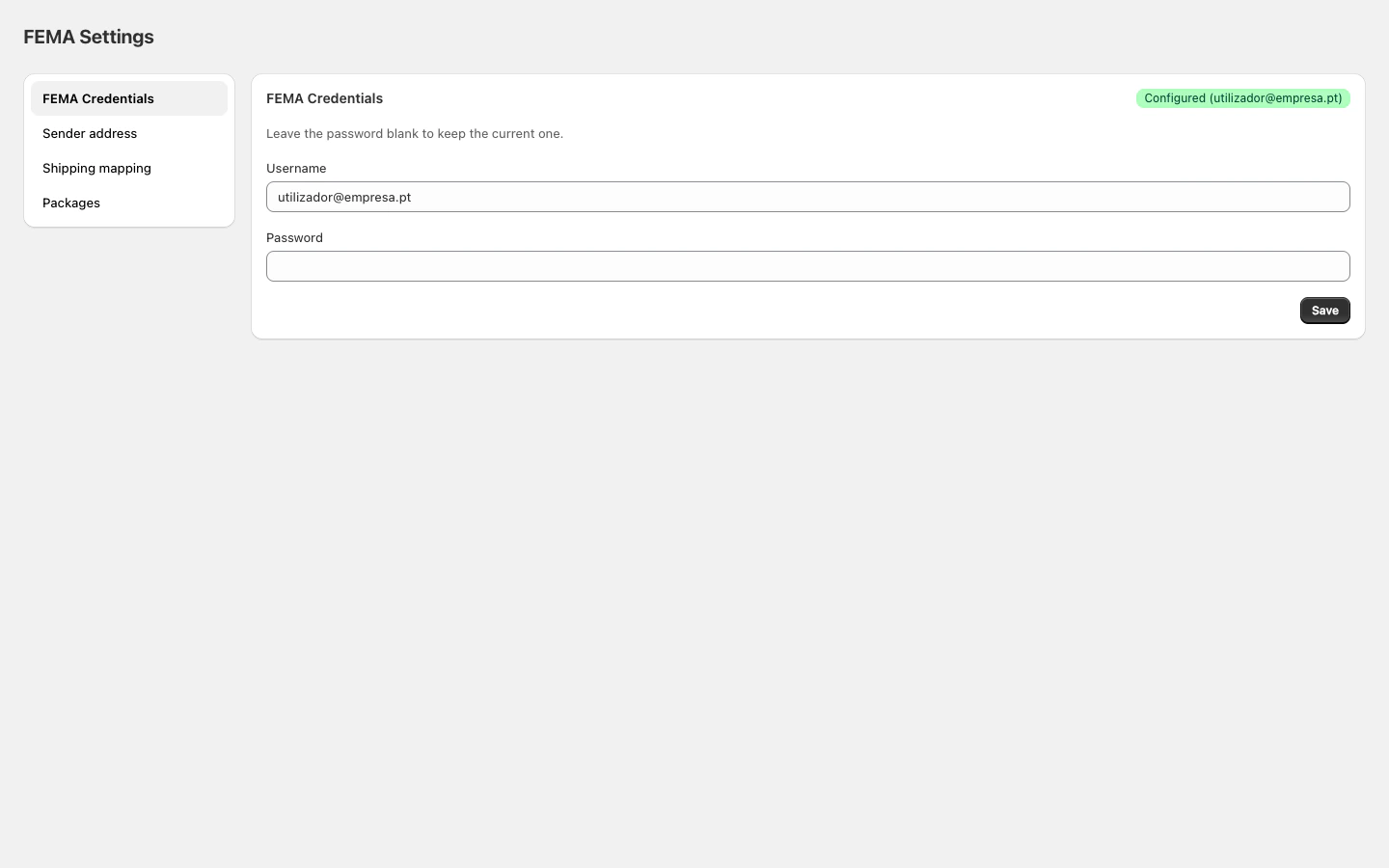
Fields
The password is stored encrypted. You can leave it blank when saving if you only want to update the username. The existing password is kept.
How to configure
- Enter your FEMA username.
- Enter your password.
- Click Save.
- Configured (green): credentials saved successfully
- Not configured (yellow): no credentials entered yet
Common issues
Shipment fails with an authentication error
Shipment fails with an authentication error
Verify the credentials are correct by logging into the FEMA portal directly. If you can log in but shipments fail, the credentials may be out of date. Save them again in the app.
I don't have FEMA credentials
I don't have FEMA credentials
Contact FEMA at fema.pt to get access to their shipping system.